Help centre
XCodes IPTV Frequently Asked Questions
Straight answers about plans, setup, devices and support. Can't find yours? Contact us.
About the service
What is XCodes IPTV?
XCodes IPTV is a subscription that delivers live TV and on-demand video over your internet connection to a player app on your TV, streaming stick, phone or computer. The name comes from Xtream Codes, the login format (server URL, username and password) used by most IPTV player apps.
XCodes IPTV explainedIs this site connected to other XCodes IPTV websites?
No. Several unrelated websites use the XCodes name. xcodesiptvs4k.com is an independent website and is not affiliated with any of them, so their prices, trials and claims do not apply here.
Is IPTV legal in the USA, UK and Germany?
IPTV is a legal delivery technology. What matters is whether the provider has the rights to the content it distributes. Watching or selling unlicensed streams can break copyright law in all three countries, so only use services that can show they are authorised.
IPTV legality in the USA, UK and GermanyWhich countries do you support?
This site is written for viewers in the United States, the United Kingdom and Germany. Guides cover the devices, broadband conditions and time-zone settings that matter in those markets.
Plans, payment and trials
How much does XCodes IPTV cost?
Plans start at $14 for 1 month with one connection. Longer plans cost less per month — the 12-month plan works out at about $6.25 per month. Prices rise with the number of screens you want to watch on at the same time (1 to 5).
See XCodes IPTV pricingIs there a free trial?
A free trial is not currently listed. If that changes, the details will be published on this site — we don't advertise trials we don't run.
Can I get a refund?
The refund terms that apply to your order are set out in our refund policy and confirmed before you pay. Ask us before buying if anything is unclear.
Read the refund policyDoes my plan renew automatically?
No. Plans end at the end of the period you paid for and do not renew unless you choose to buy again.
Setup and devices
Which devices can I use?
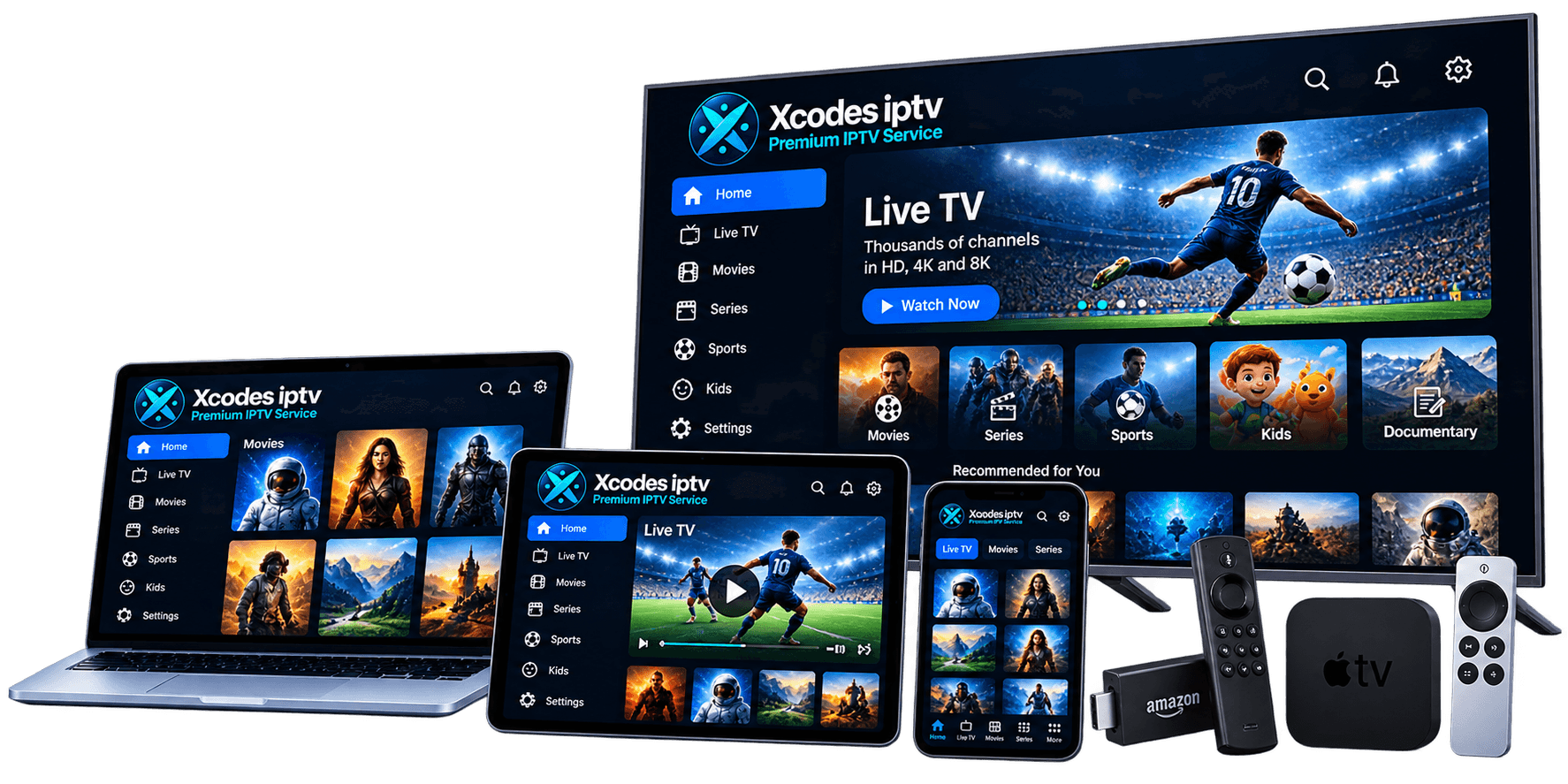
Any device that runs an IPTV player app supporting Xtream Codes or M3U logins: Amazon Fire TV and Firestick, Samsung and LG Smart TVs, Android TV and Google TV, iPhone, iPad, Apple TV, and Windows or Mac computers.
Supported devicesHow do I set up XCodes IPTV on my device?
Install an IPTV player app on your device, choose the Xtream Codes login option and enter the server URL, username and password you receive after ordering. Most setups take a few minutes; the installation hub has a step-by-step guide for every device.
XCodes IPTV setup guidesCan I watch on multiple devices?
Yes. You can install your login on as many devices as you like, but the number that can play at the same time is limited by the connections in your plan. One connection means one screen at a time.
Plans and connectionsHow do I log in to XCodes IPTV?
Open your IPTV player app, choose the Xtream Codes (or Xtream API) login option and enter the server URL, username and password from your activation message. If your app only accepts playlists, use the M3U link instead.
XCodes IPTV login guideHow fast does my internet need to be?
As a working guide, allow around 10 Mbps for a stable HD stream and 25 Mbps or more for 4K, per screen, on a connection that stays steady. Consistency matters more than peak speed, and wired Ethernet beats Wi-Fi.
Internet speed for IPTVWhat should I do if streams buffer?
Restart the device and router, switch to Ethernet or a 5 GHz Wi-Fi band, close background apps, clear the player cache and test at a different time of day. Our buffering guide walks through each step in order.
Fix IPTV bufferingSupport
How fast is activation after purchase?
Your login details are sent after payment, together with setup instructions for your device. The expected delivery time is confirmed when you order.
Can I use XCodes IPTV while travelling?
Your login works wherever your device has a stable internet connection, but hotel and public Wi-Fi often limit streaming, and content availability can depend on rights in each country. Check the terms of service before travelling, and remember the connection limit still applies.
Terms of serviceHow do I contact support?
You can reach support through the channels listed on the contact page.
Contact supportStill have a question?
Ask us directly — include your device and country so we can give a precise answer.