Skip to content
XCodes IPTV

Device compatibility

XCodes IPTV Supported Devices

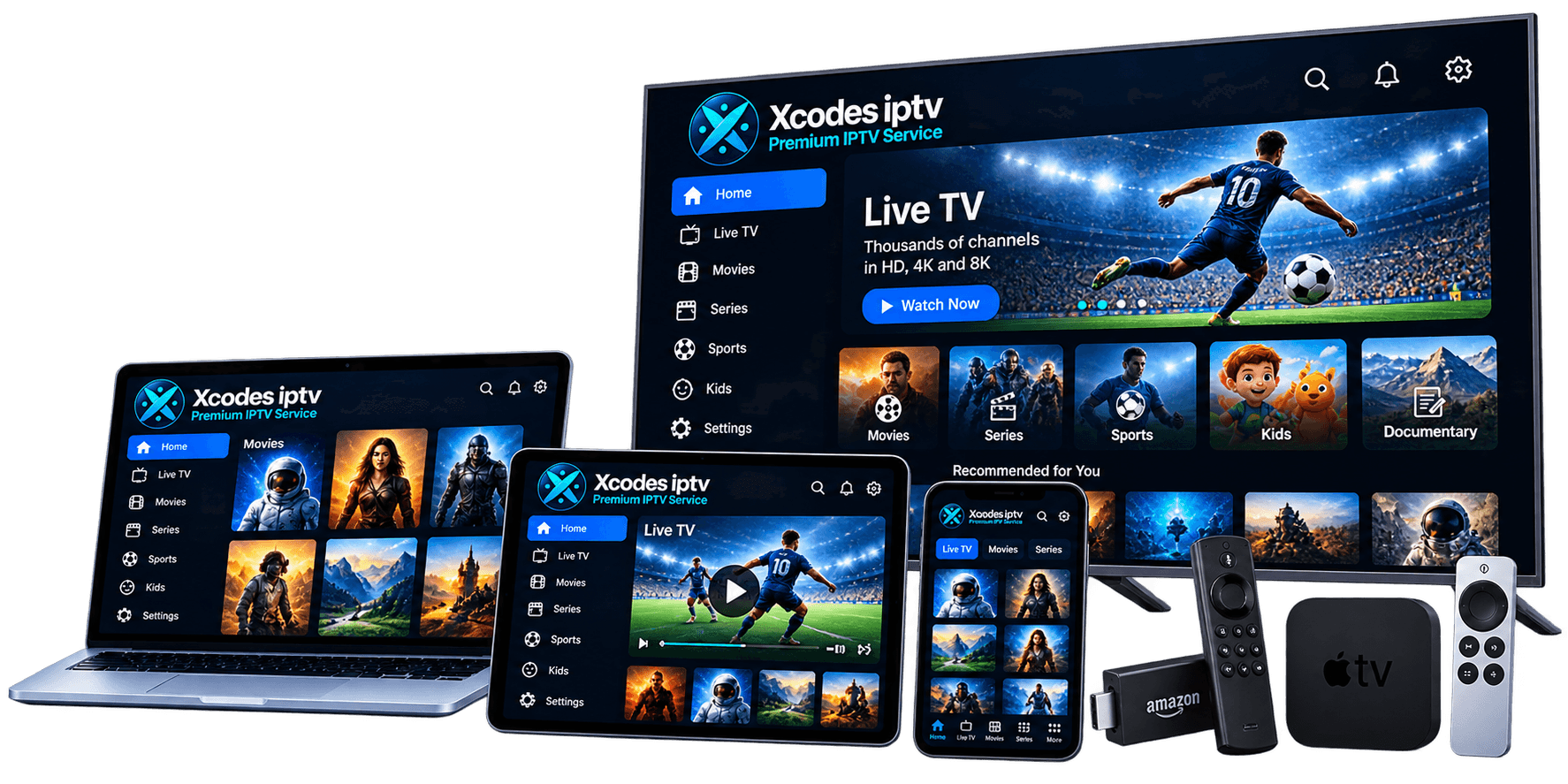
XCodes IPTV does not need special hardware. If your device can run an IPTV player app that accepts an Xtream Codes login or an M3U playlist, it can play the service. Find your device below, or see the XCodes IPTV app page for recommended apps.

Amazon Fire TV & Firestick

Examples
Fire TV Stick, Fire TV Stick 4K / 4K Max, Fire TV Cube
Apps
Player apps installed from the Amazon Appstore or, on Fire OS models, via the Downloader app
Good to know
Newer models that run Vega OS do not allow installing Android apps from outside the Appstore.
Setup guide

Samsung & LG Smart TVs

Examples
Samsung (Tizen), LG (webOS)
Apps
IPTV player apps listed in the Samsung Apps or LG Content Store for your model and region
Good to know
App availability differs by TV model year and country — check your TV's store before you buy.
Setup guide

Android TV, Google TV & Android phones

Examples
Chromecast with Google TV, NVIDIA Shield, Sony/TCL/Philips Google TV sets, Android phones and tablets
Apps
Player apps from Google Play
Good to know
Android TV boxes give the widest choice of player apps.
Setup guide

iPhone, iPad & Apple TV

Examples
iPhone, iPad, Apple TV 4K / HD
Apps
Player apps from the App Store that accept Xtream Codes or M3U logins
Good to know
Apple does not allow sideloading, so use App Store apps only.
Setup guide

Windows & Mac computers

Examples
Windows 10/11 PCs, MacBook, iMac
Apps
VLC media player (M3U) or desktop IPTV players that support Xtream Codes
Good to know
A wired Ethernet connection gives computers the most stable playback.
Setup guide

Which device gives the best experience?

For a living-room TV, a dedicated streaming device — an Android TV / Google TV box or a Fire TV device — usually gives the smoothest experience. These have the widest choice of player apps, get regular updates, and are easy to replace if they slow down.

Smart TV apps on Samsung and LG are convenient because there is nothing extra to plug in, but the available player apps vary by TV model and country, and older TVs can feel sluggish with large channel lists.

Phones, tablets and computers are ideal for a second screen. Remember that each device playing at the same time uses one connection from your plan.

Whatever you choose, a stable network matters more than the device: read how much internet speed IPTV needs and, if you see stutters, the buffering fix guide.
Not sure your device will work?

Tell us the make and model — we'll tell you honestly whether it's a good fit before you buy.